

Optimizing a Google Business Profile comes down to three jobs. Fill in every field accurately, follow Google's rules so the profile stays live, and keep it active with photos, reviews and replies.
The checklist below covers all twelve steps in the order we'd do them. Tick them off as you go, and you'll know exactly what's left.
Before You Start
Make sure you can sign in as an owner or manager, and that the profile is verified. Google treats verification as the first step to a better local ranking, and nothing else on this list sticks without it.
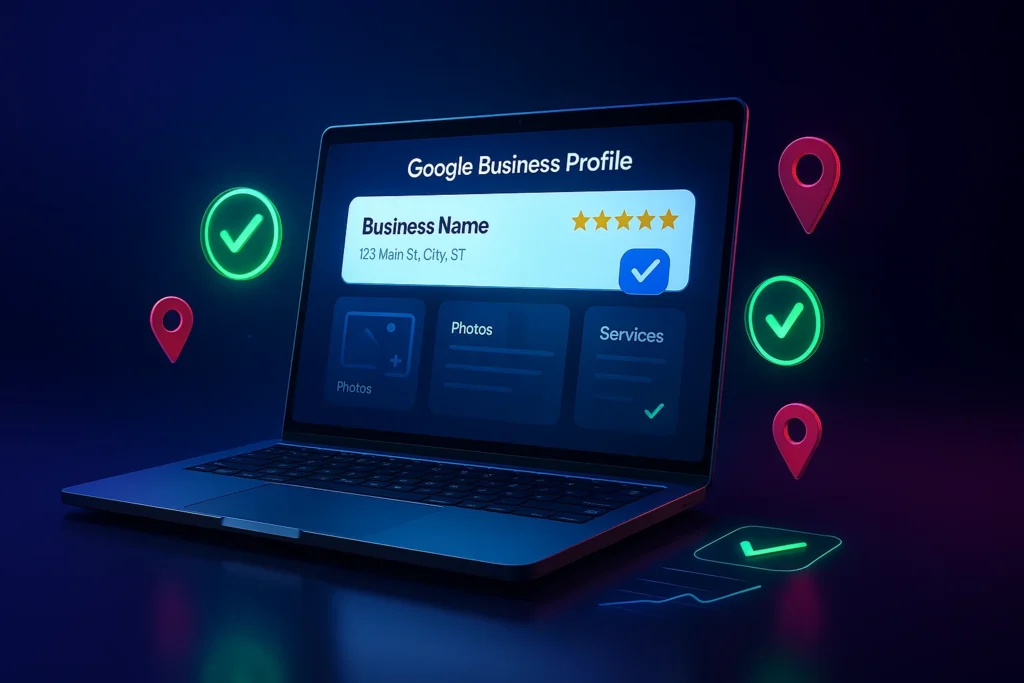
Also check that no old manager from a past agency or employee still has access. Remove anyone who no longer works with you.
The 12-Step Checklist
1. Use Your Real-World Business Name
Write it the way it appears on your sign, invoices and website. Google doesn't allow taglines, city names or service words added to the name, and extra text can get a profile suspended.
2. Pick the Right Primary Category
Choose the category that finishes the sentence "This business is a" with the most specific fit. Local search experts rate the primary category as the strongest single map ranking signal, so take your time here.
3. Add Only the Additional Categories You Need
Google wants as few categories as possible, covering only what your business really is. Skip any that repeat a more specific one you already picked.
4. Set Your Address or Service Area
If customers visit you, show the address and place the pin on your door. If you go to them, hide the address and set a service area of no more than about two hours' drive from your base.
5. Keep Hours and Holiday Hours Current
List the hours customers can reach you, and add special hours before every holiday. Showing as open when someone searches is one of the top-rated map factors.
6. Use a Local Phone Number You Control
Google prefers a local number over a central call center line. Make sure the number rings at your business, not at an old answering service.
7. Link to the Right Page
Point the website link at the page that best matches your main service. For a single-location business that's often the homepage, but a dedicated service page can work better.
8. Write a Plain, Useful Description
You get up to 750 characters, and links aren't allowed. Say what you do, who you serve and where, in the words a customer would use.
9. List Every Service You Offer
Add each service separately, with a short description and a price where it makes sense. This gives Google more ways to match your profile to specific searches.
10. Add Real Photos and Videos
Show your storefront, team, vehicles and finished work. Exterior shots help first-time customers recognize your building when they arrive.
11. Ask for Reviews and Reply to Every One
Ask happy customers right after the job, with a direct link to your review form. Reply to good and bad reviews alike, briefly and by name where you can.
12. Track What the Profile Sends You
Add a tracking tag to your website link and use a call-tracking number where your setup allows it. Without tracking, you can't tell whether the profile brings in work or just views.
What Gets a Profile Suspended
Most suspensions come from a handful of avoidable mistakes. Keywords stuffed into the name, a fake address, or a second profile for the same location are the usual suspects.
Fixing a suspension takes far longer than avoiding one. If you're unsure whether a change is allowed, check Google's guidelines before you save it.
How the Profile Fits Into Local SEO
Your profile is one part of how Google ranks local businesses. Reviews, service pages and links matter too, and our guide to local SEO ranking factors explains how they fit together.

When to Hand It Off
Setting up the profile is a one-time job. Keeping it fresh is the part most owners run out of time for, from weekly photos to review replies and spam edits from strangers.
That ongoing work is what our Google Business Profile management covers, starting at $1,299 a month. Milwaukee businesses can see how we handle profiles locally on our Milwaukee Google Business Profile page.
Google Business Profile Questions
How many categories should I choose?
As few as it takes to describe your core business. Pick one primary category, then add others only when they describe something you actually are.
Can I add keywords to my business name?
No, unless they're part of your legal or real-world name. Google can suspend profiles that add cities, services or taglines to the name.
Should I hide my address?
Hide it if you serve customers at their location and don't welcome visitors. Show it if customers come to your shop, office or showroom.
How long can my business description be?
Up to 750 characters. Links and HTML aren't allowed, so keep it to a clear summary of what you do and where.
Do review replies help?
Yes. Google recommends replying to reviews, and replies show future customers how you treat people when something goes wrong.